The Sitemap Validator checks whether your sitemap is technically accessible, correctly structured, and consistent in content. The tool is particularly useful when search engine access, indexing issues, or technical SEO questions point to a faulty sitemap.
Instead of only checking whether a file exists, the tool goes further: It discovers sitemaps, reads their structure, and validates included URLs as well as technical conflicts such as redirects or blocked targets.
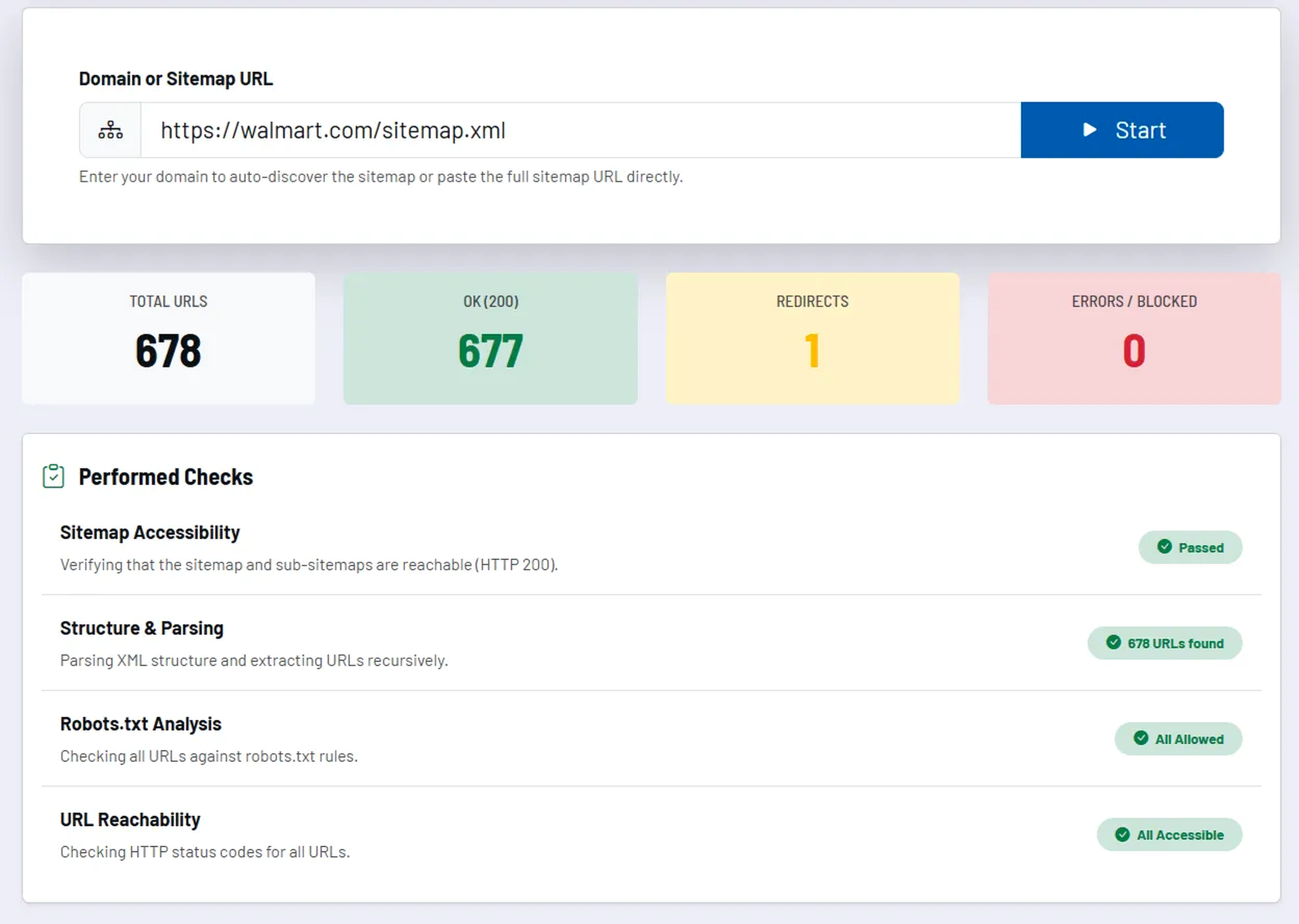
How the tool works in practice
You either enter a domain so the sitemap can be found automatically, or you directly test a specific sitemap URL. The tool then analyzes the XML structure, follows any sub-sitemaps, and validates the contained URLs.
The results are displayed as a summary with technical metrics and individual test steps. This allows you to quickly see whether the issue is purely one of accessibility or a structural sitemap problem.
Core features and key views
- Automatic discovery: The sitemap can be found via the domain itself.
- Direct URL check: Alternatively, a specific sitemap URL is validated immediately.
- Structure and parsing check: XML structure and readability are checked as well.
- URL validation: Included pages are checked for OK status, redirects, as well as errors or blocks.
- Summary metrics: Total number of URLs and distribution by status make problems visible at a glance.
The tool is particularly valuable when you want to discuss indexing issues not based on assumptions but on a genuinely validated sitemap.
Recommended workflow
- Check the sitemap after relaunches, major URL changes, and technical CMS adjustments.
- Treat redirects and blocked URLs in a sitemap not as a side issue, but as a clear technical task.
- Use the direct sitemap URL when you specifically want to check a particular file or sub-sitemap.