The account settings are the central area for your personal profile, your access, and the security of your Cockpit account. Here you maintain your master data, control login methods, additionally protect your account with two-factor authentication, and manage your personal API key.
In this article
Precisely because Cockpit brings together sensitive information, operational work areas, and team-related content in everyday use, this area is more than just a profile page. It determines how secure your access is, how conveniently you can log in, and how controlled external connections are allowed to access your account.
How account settings work in practice
The page is divided into clearly separated sections. These include your profile, the API key, security functions, and the Google link. This way, you do not have to search through multiple menus but instead find all personal access and protection functions in one place.
Profile, access data, and personal information
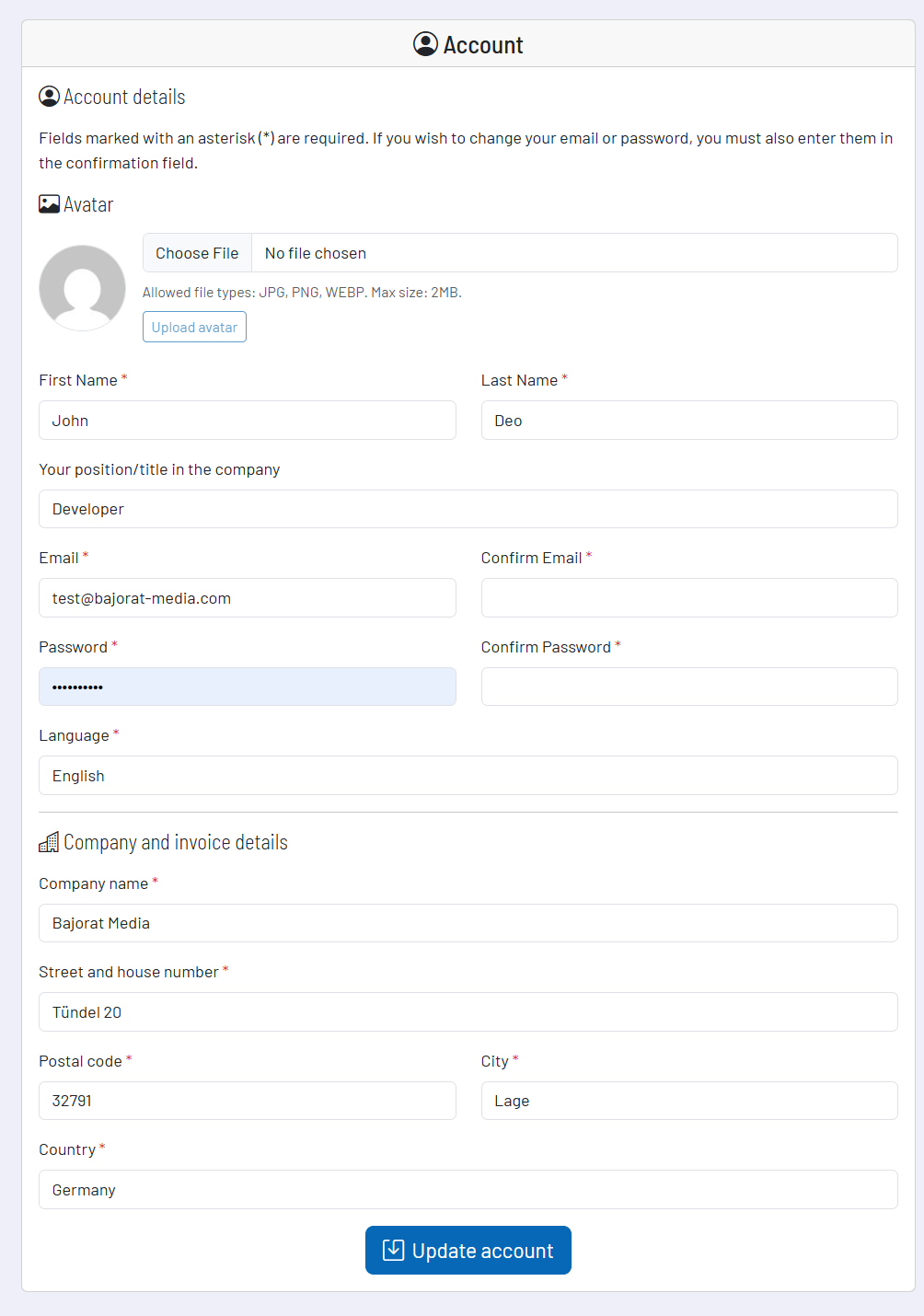
In the profile area you manage, among other things, name, position, language, email address, password, and your profile picture. When you change email or password, this data is additionally confirmed in the form so that typos do not accidentally impair account access.
You also manage the avatar image directly here. The system supports common formats such as JPG, PNG and WEBP and displays a preview before the image is saved. This ensures that your account is not only functional but also clearly identifiable in team-related views.
Two-factor authentication for additional security
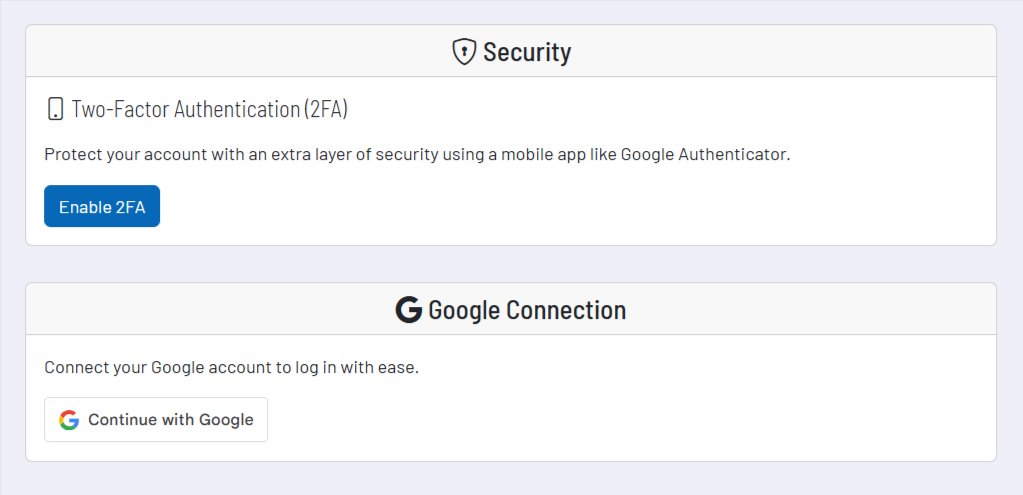
Two-factor authentication adds an additional security factor to your password. Setup starts with a password confirmation. You then receive a secret key that you store in an authenticator app such as Google Authenticator. After that, you confirm the setup with a 6-digit code from the app.
After successful activation, you receive additional backup codes. You should store these safely so that you can still access your account even if the actual authenticator device is not available. 2FA can be deactivated again later, and the backup codes can also be regenerated if necessary. Both require your password confirmation again.
Google login and account linking
If you want to make access more convenient, you can link your Cockpit account with your Google account. The connection is established via a guided login dialog. After linking, you can use Google access for an easier login.
The connection remains controllable at all times. If you no longer want to use Google access, you can disconnect the link directly in the account settings.
Personal API key
The API key is your personal key for future Cockpit API requests and external connections. In the account settings you can display it, hide it, copy it, and regenerate it if necessary. This is particularly relevant if you want to connect your account with internal automations, your own scripts, or other systems.
The underlying security logic is important: if you generate a new API key, all applications using the old key immediately lose their access. For this reason, regeneration is deliberately protected and requires your password confirmation. Handle this key with due care and treat it like a confidential access element.
Recommended workflow
- Keep email, password, language, and profile picture up to date so that your account remains cleanly usable and clearly identifiable in everyday use.
- Enable two-factor authentication if you want to make your account access significantly more robust.
- Store backup codes separately and securely instead of leaving them only on your everyday system.
- Use the Google link for a more convenient login if your everyday work is already strongly organized via Google.
- Never share your API key in an uncontrolled way and regenerate it as soon as you suspect misuse or unnecessary distribution.