The Whois Lookup tool retrieves registration data for domains or IP addresses and shows which information a registry or Whois service makes publicly available. This is particularly useful when you need to understand ownership, registrar data, status messages, or technical responsibilities.
Especially for domain transfers, support cases, security assessments, or inventories, a quick Whois view is often very valuable. Instead of comparing various external services, you start the query directly in Cockpit and receive the answer in a focused working context.
How the tool works in practice
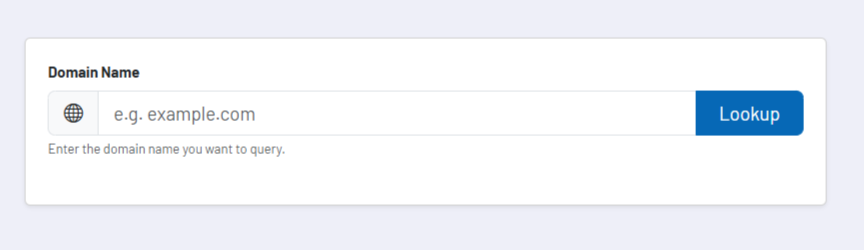
You enter a domain or an IP address and start the query. The tool contacts the appropriate Whois service and returns the available response. Which information is included depends, as with any Whois query, strongly on the respective registry, TLD, and the published data protection rules.
For domains, the use case is usually quick technical and organizational classification. You can see whether a domain is registered at all, which registrar is involved, which status values are reported, and which hints regarding expiry, transfer, or administrative responsibilities are visible.
For IP addresses, the query can help to better assign network ranges, for example in the context of hosting, security checks, or infrastructure questions. The tool is therefore not a replacement for deeper network or registrar processes, but a very fast entry point into the publicly visible ownership and status situation.
Core functions and key views
- The tool accepts both domains and IP addresses and thus covers different support and infrastructure questions.
- The Whois response is displayed as the direct result of the respective query, so you can work with information that is close to the original output.
- The tool is well suited as an initial verification step before transfer, renewal, registrar, or security processes.
Recommended workflow
Always read Whois data in the context of the respective TLD and registry rules. Not every domain provides the same level of detail, and missing personal data does not automatically mean that a domain is unclear or problematic. Often, the differences simply reflect the data protection and publication rules of the respective registry.
For operational decisions such as domain moves or security measures, you should use the Whois output as a starting point and then compare it with the actual account and registrar access. The tool provides the public perspective; the internal management reality must then be confirmed separately.