The Voice Transcriber turns spoken language into usable text. The tool is particularly suitable for conversation notes, spontaneous ideas, memos, interview excerpts, or situations where you speak faster than you can type.
It is not just about a raw transcription. The workflow is designed to transform spoken language into a cleaner, more readable version so that your recording quickly becomes a text you can actually continue working with.
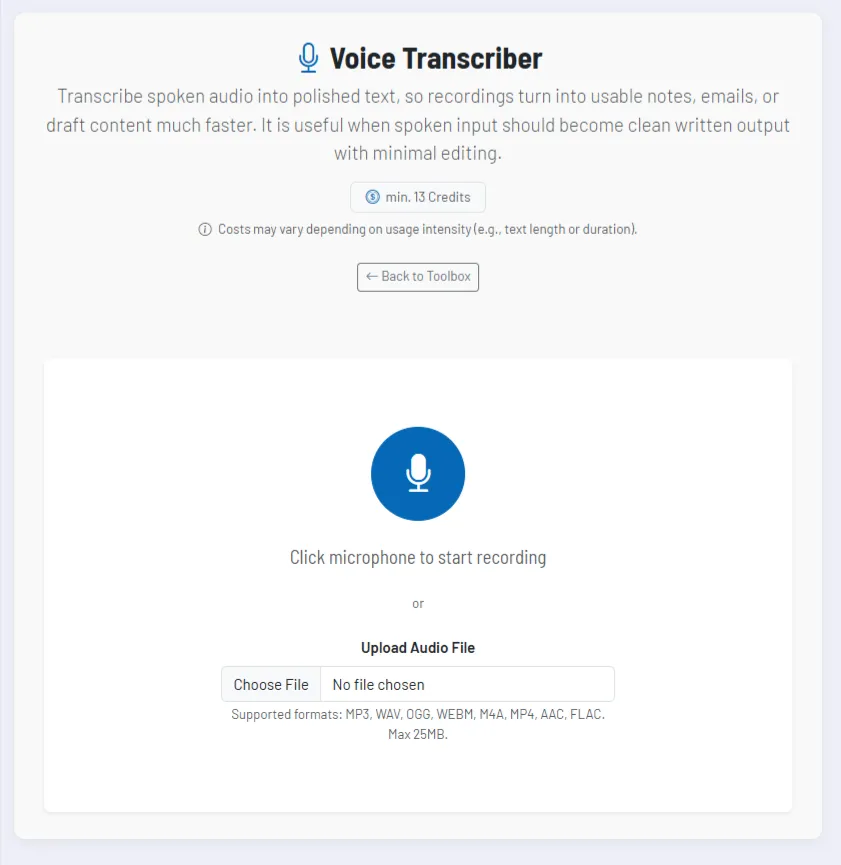
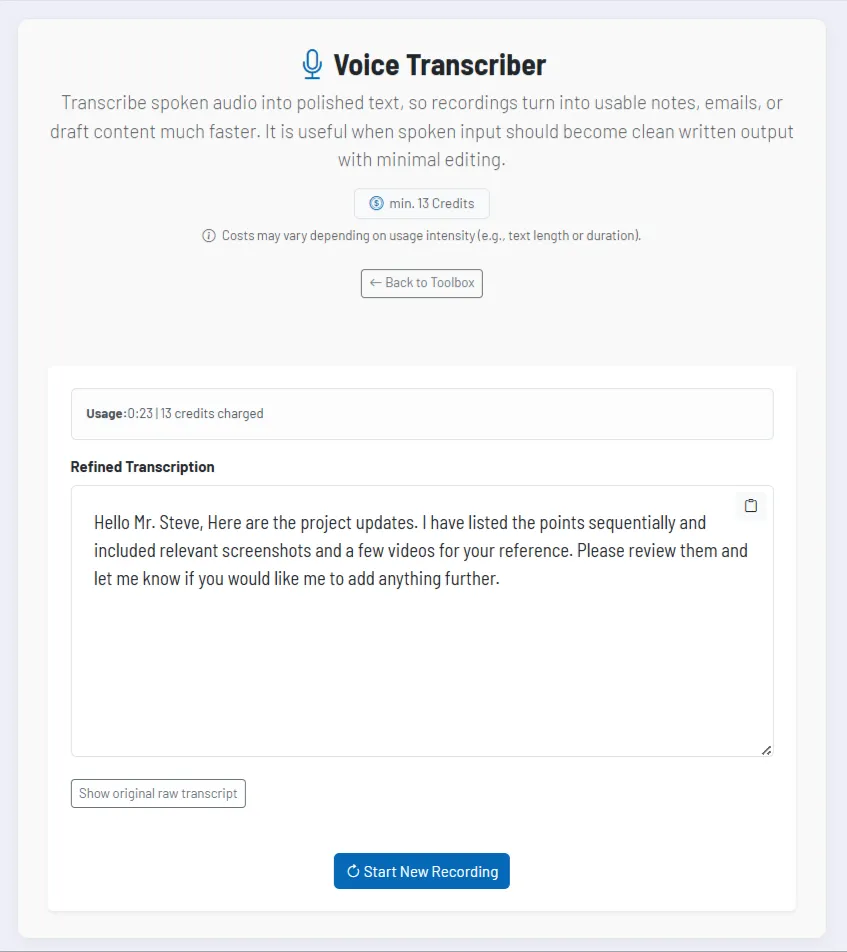
You can record directly in the browser or upload an audio file. After processing, you receive both a refined version and, if desired, the original raw transcript for comparison.
How the tool works in practice
The entry barrier is deliberately low. You can either start a recording directly via the microphone or upload an existing audio file. During recording, the tool displays the elapsed time so you can keep track of the length.
After the end of the recording or after the upload, processing begins. In this phase, the content is transcribed and at the same time converted into a more readable text version. This often saves you a large part of the manual post-editing.
You can review, edit, and copy the result directly in the text field. For transparency, the original raw transcript also remains available.
Core features and key views
- Direct voice recording: You can record directly in the tool without detours and also stop the recording there.
- File upload: Existing audio files can also be processed, including common formats such as MP3, WAV, OGG, WEBM, M4A, MP4, AAC, and FLAC.
- Refined transcription: The tool delivers not only a raw speech-to-text output, but a written version that is easier to work with.
- Raw version for comparison: If desired, you can display the original transcript to trace formulations or recognitions.
- Copy function: The finished text can be used directly, for example for emails, tasks, minutes, or initial content drafts.
This is particularly helpful for spoken ideas or internal coordination, because it lets you quickly turn fleeting speech into a reliable written record.
Recommended way of working
- Speak in clear content blocks if you want the recording to directly become a usable text later on.
- Use the upload function for interviews, meetings, or external audio files that already exist.
- Briefly check the refined version for content before passing it on or importing it into other tools.
- Show the raw transcript especially when you want to verify individual formulations or technical terms.