The SPF Checker combines several key checking and creation tasks related to your domain’s email authentication. You can check published SPF and DMARC records, trace redirects and include chains, verify a specific sender IP against the SPF rule, and generate new DNS-ready records.
This makes the tool much more than a simple one-off check. It supports you both in troubleshooting existing mail setups and in cleanly building a new authentication structure. Especially when you encounter delivery problems, spoofing risks, or unclear DNS configurations, the combined view of SPF, DMARC, and the practical generator logic saves you a lot of time.
How the tool works in practice
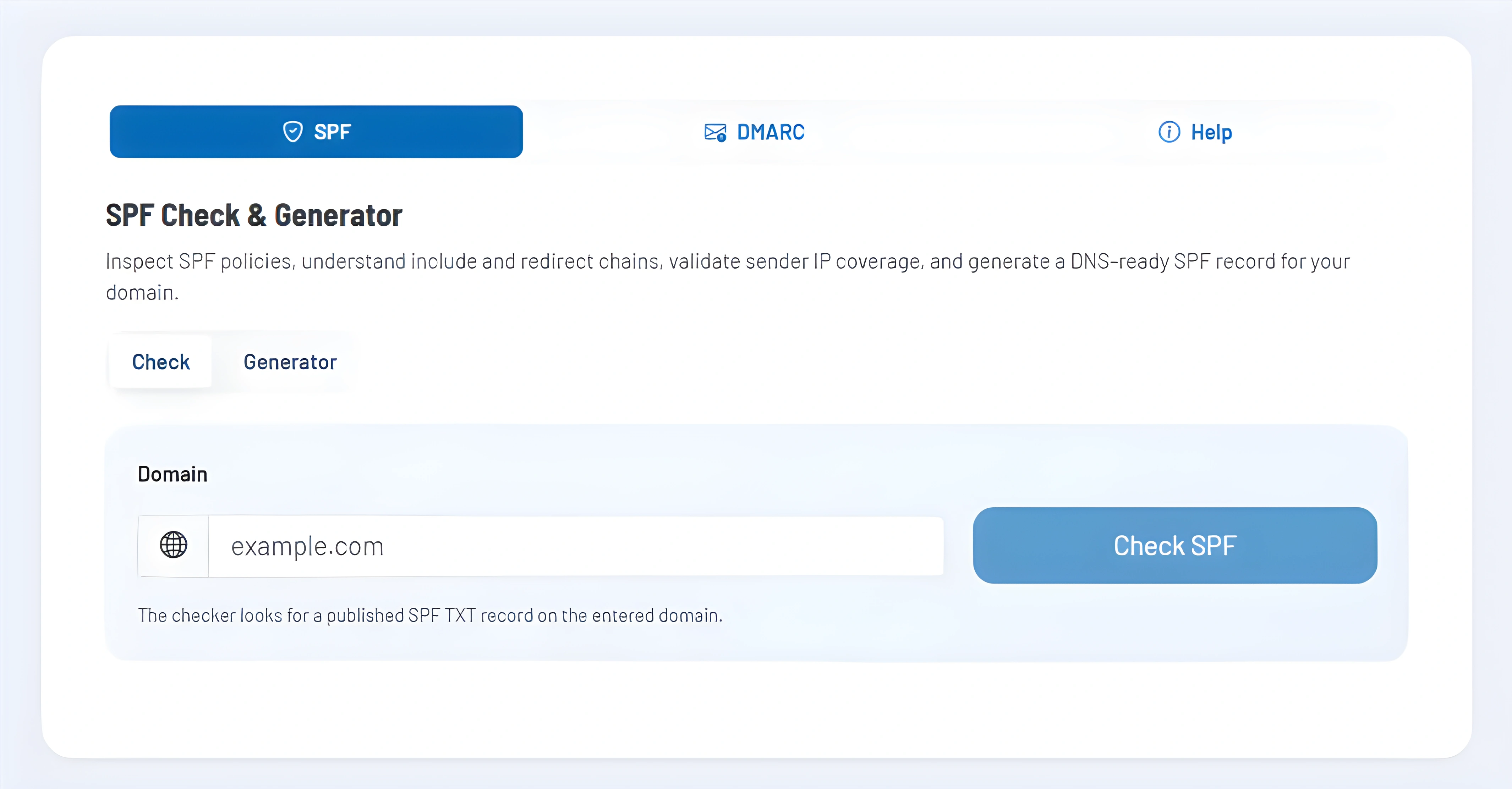
In the SPF section, you enter your domain and first check the currently published TXT record. The tool shows not only the published record but also the effectively active record if redirects or include mechanisms play a role. In addition, you see the status, the presumed end of the policy, and the estimated number of DNS lookups.
If you want to know whether a particular sending server is actually covered, switch to the optional IP check. There you can test a specific IPv4 or IPv6 address against the published SPF rule and receive a clear verdict including the match path and associated mechanism. This is especially useful when multiple sending services or indirect include chains are involved.
In the DMARC section, the check works similarly: you enter the domain and see the detected DMARC record, the parsed tags, warnings, and recommendations. If you want to create a new or cleaned-up configuration, the tool generates a DNS-ready SPF or DMARC record from your inputs, including host, type, value, and zone file line.
Core features and key views
- The SPF check shows the directly published record and the actual effective state after redirects. This helps to reveal hidden complexity in existing mail setups.
- Errors, warnings, and best-practice hints are listed separately. This helps you better distinguish between hard configuration errors and optimization potential.
- The optional sender IP check answers a very practical question: Is this specific server allowed to send under your domain or not?
- In the SPF generator, you build a new rule from MX, A/AAAA, include, redirect, and IP components and immediately receive a record ready for publication.
- The DMARC section combines check and generator. In addition to the policy, you can also cleanly prepare reporting addresses, subdomain behavior, percentages, and other tags.
- A help area explains the role of SPF, DMARC, and DKIM and places the individual components in the overall context of email authentication.
Recommended workflow
Always check the existing SPF and DMARC status first before creating new records. This helps you avoid duplicating working mechanisms or unintentionally excluding sending paths through incomplete rewrites. This order is especially crucial for older domains with multiple sending systems.
Then work in a clear sequence: first structurally simplify SPF, then secure critical sender IP paths, then set up DMARC cleanly, and only after that validate the overall result with a real delivery test. This way you don’t just create formally valid DNS records, but a robust email authentication setup in real-world operation.