The Rank Tracker makes organic development measurable. Instead of checking visibility only at individual points in time, you create projects with domain, keywords, search engine, device type, and competitors and monitor the development over time.
In this article
The tool is particularly valuable when SEO work should not only be felt but also assessed in a traceable way. It shows position changes, historical progressions, and competitor relations, thereby supporting both operational SEO work as well as reporting and internal alignment.
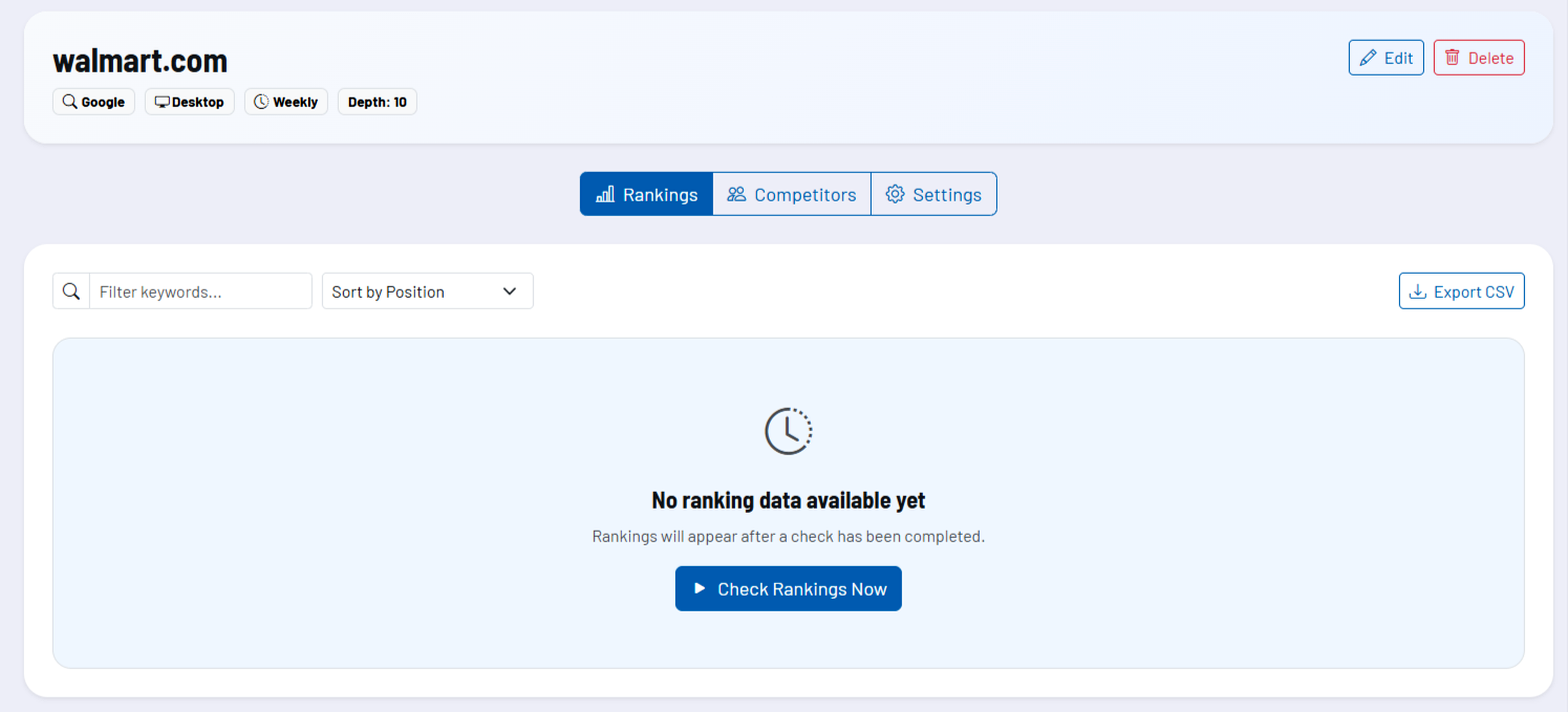
How the tool works in practice
You start with a project for a domain and define market, language, search engine, device type, check frequency, depth of analysis, and the keywords to be monitored. In addition, competitor domains can be stored so that developments are not only viewed in isolation but also in comparison with the market.
After setup, the tool collects ranking data and provides it on a project basis. In the detail area, you work with rankings, trend analysis, competitors, and project settings. Individual projects can also be checked again immediately and exported as a CSV file.
Core features and key views
- Project-based structure: Each domain is managed as a separate monitoring project with clearly defined parameters.
- Keyword monitoring: Positions are continuously collected and compared for the stored terms.
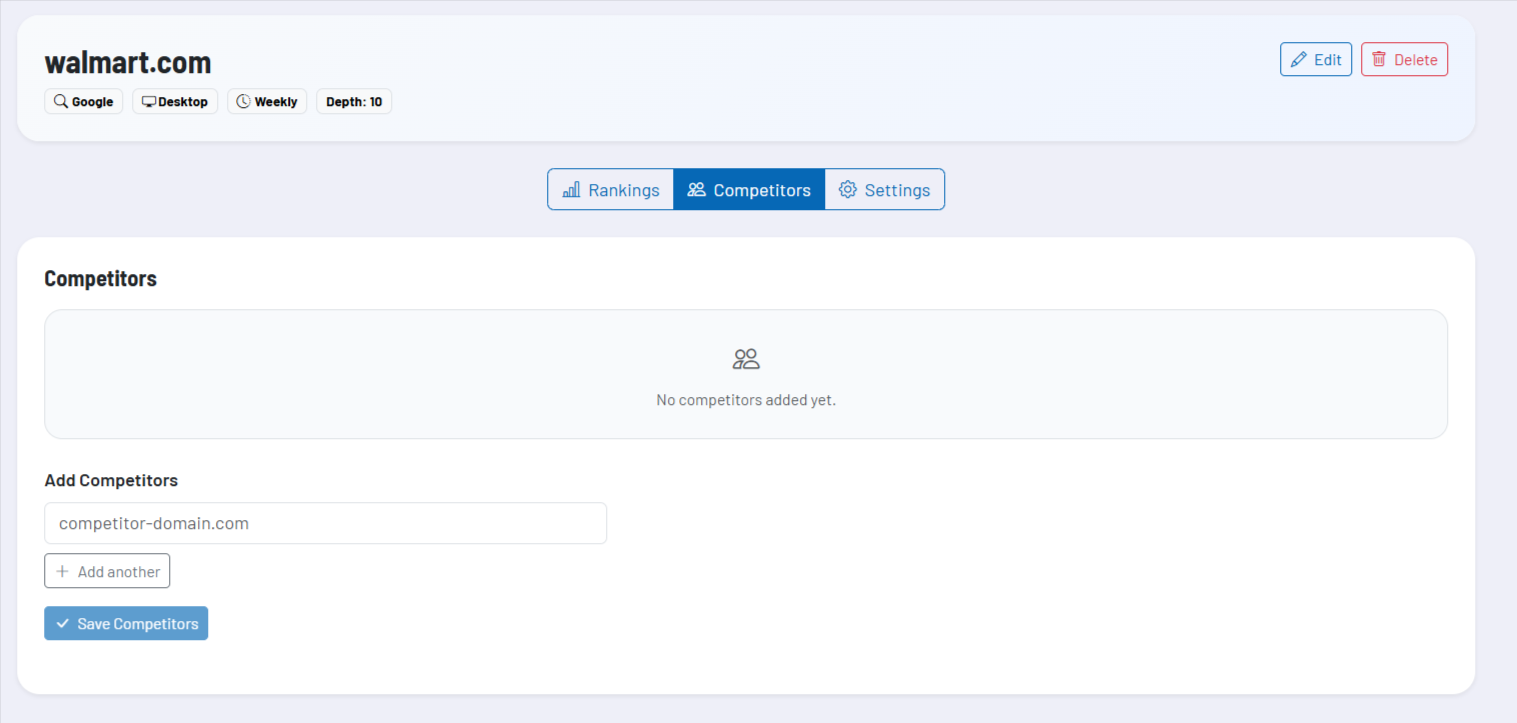
- Competitor comparison: Competitors can be stored for each project and included in the analysis.
- Ranking history: Trends make progress, declines, and fluctuations visible.
- Direct check and export: Projects can be rechecked immediately and the results exported as CSV.
- Report configuration: Projects can be managed with additional report settings if regular evaluation is planned in the process.
The separation between project list and detail view is particularly helpful. At list level, you can quickly see which domains are gaining or losing, and then dive deeper within the project itself.
Team, roles, and collaboration
In a team context, projects can be visible not only personally but also within the extended work environment. This allows important domains to be monitored jointly without each person having to create their own parallel tracking projects.
At the same time, responsibility remains clear for each project. The project view indicates who owns a project, and editing rights for settings, keywords, competitors, and direct checks remain tied to this responsibility.
Recommended way of working
- Create a clearly delineated project for each domain instead of mixing topics and countries in a single project.
- Choose keywords deliberately based on business value and search intent, not just reach.
- Use competitors not only as a benchmark but also as an early warning system for market shifts.
- Export results regularly when external reports or cross-team evaluations are required.