The IP Blacklist tool checks whether an IP address or the resolved IP of a domain appears in major spam and blacklist systems. This quickly gives you clarity on whether delivery problems, blocked forms, or loss of reputation may be related to a known listing.
Especially for email issues, blocked servers, or unusual traffic, this check is often one of the first sensible steps. Instead of searching several blacklist services individually, you can see at a glance which providers report a listing, which responses could be reliably verified, and where a service is currently only partially checkable.
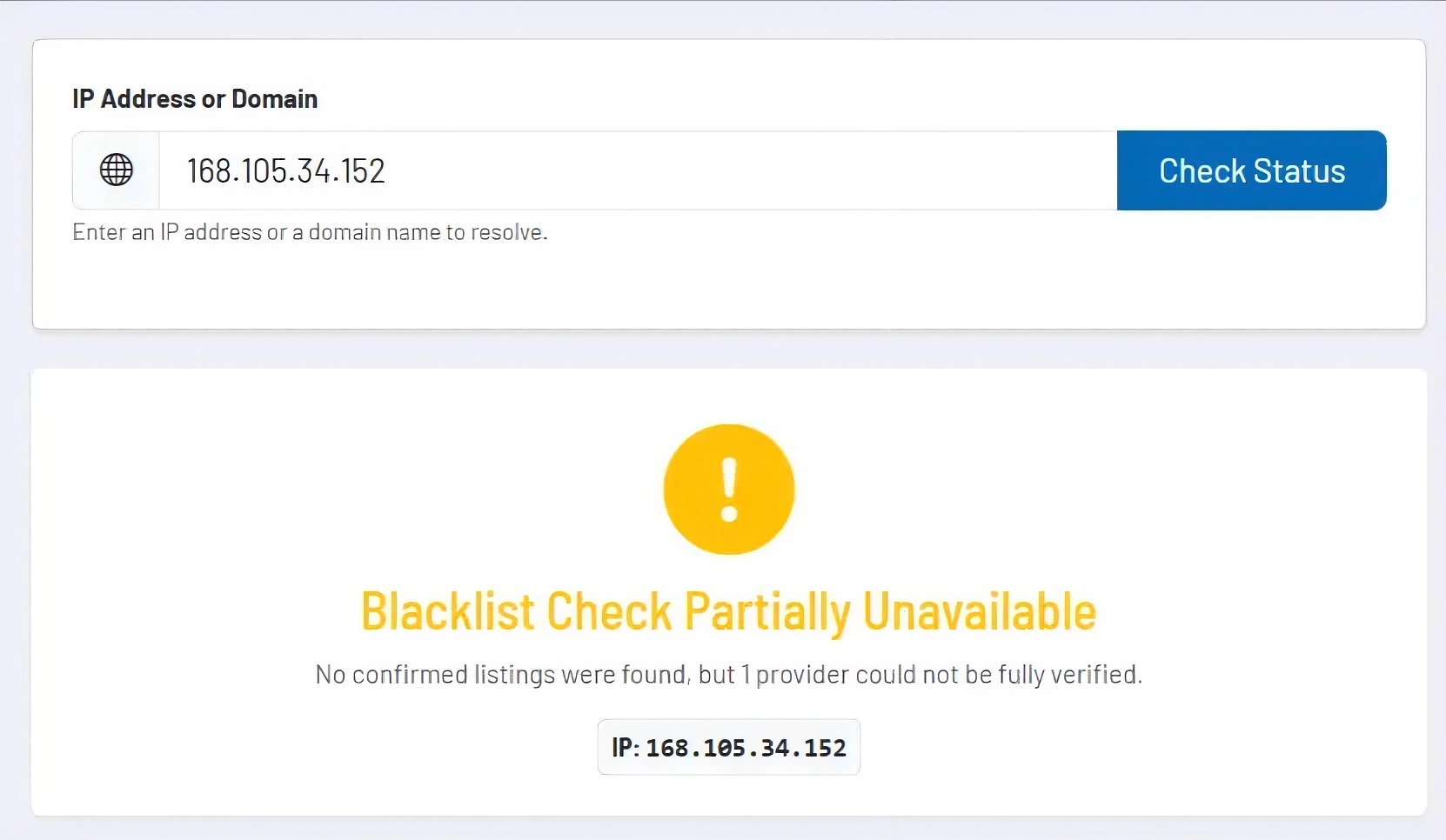
How the tool works in practice
You either enter an IP address directly or a domain. If a domain is used, the tool first resolves it for the check. It then queries several relevant blacklist sources and combines the results in a unified status view.
Depending on the responses, the tool detects whether there is no listing, whether one or more confirmed listings were found, or whether individual providers could not be fully verified at the current time of the check. This gives you not just a simple yes-or-no result, but a more realistic technical assessment of the outcome.
In the detail section, you can see individual results for each checked provider. This makes it easy to distinguish whether an incident is widespread or limited to a few lists. Especially in email and reputation issues, this distinction is crucial, because not every listing has the same operational impact.
Core features and key views
- The tool accepts both IP addresses and domains, making it suitable for direct server checks as well as quick scans based on a known web or mail domain.
- The main view summarizes the result in an understandable way, for example as clean, listed, or only partially checkable. This makes it easier to quickly assess the situation in day-to-day support or technical work.
- In the details, you can see for each blacklist provider whether a listing was confirmed, no irregularities were found, or the query could not be clearly completed.
- Partially unverifiable responses are highlighted separately so that you do not overinterpret results and can follow up on open cases in a targeted way.
Recommended workflow
Always use the tool together with the specific usage context. For email issues, you should check the IP that actually sends the messages, not just the main domain. For general reputation or hosting questions, it can also be useful to check the web server IP if mail and web infrastructure are separate.
If a listing is detected, you should not only initiate delisting, but also investigate the root cause, such as compromised forms, open relays, incorrect sending rates, or already burdened legacy IP addresses. The tool provides the diagnostic basis; real stabilization only results from properly addressing the underlying causes.